
Message translation
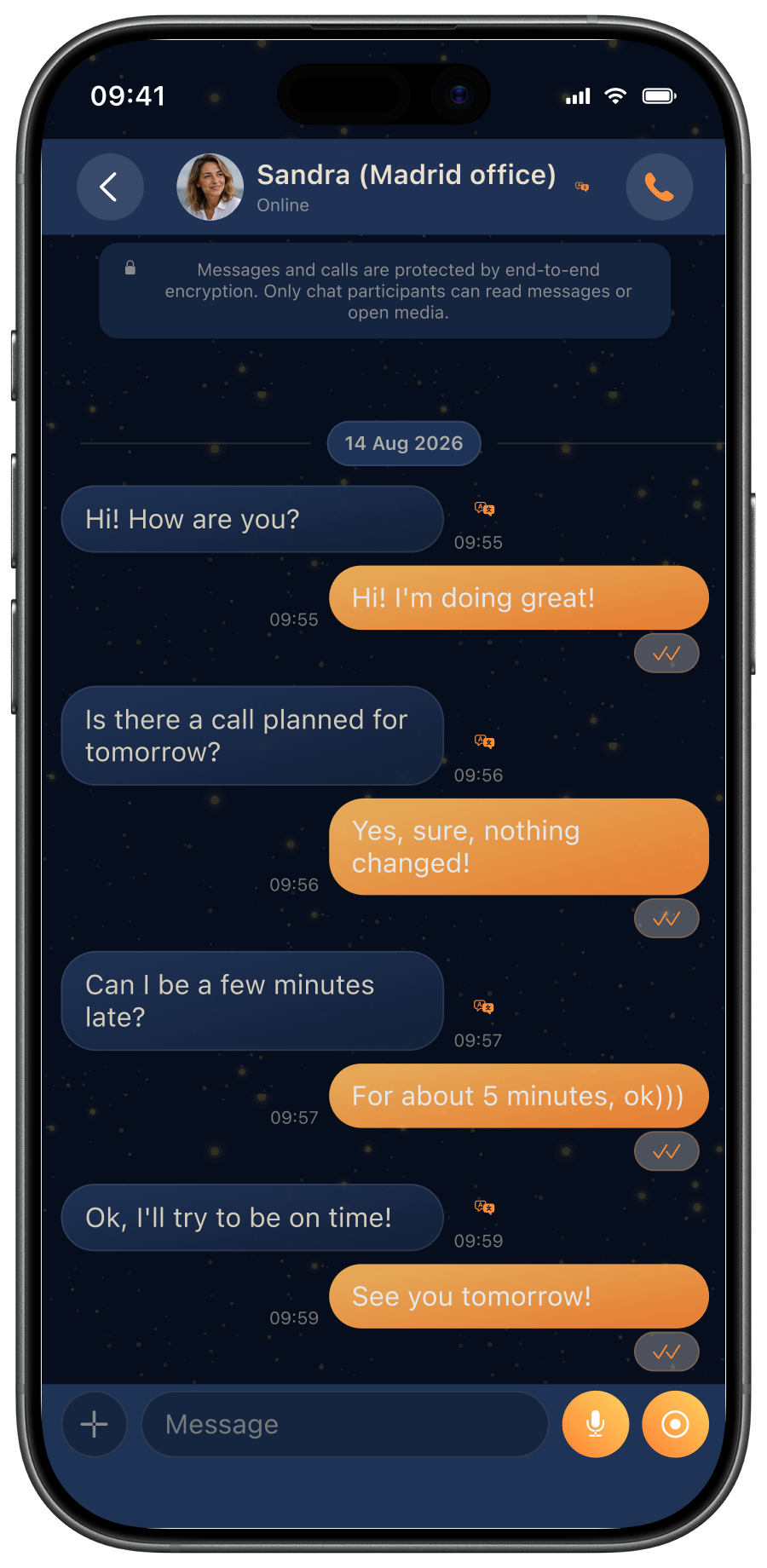
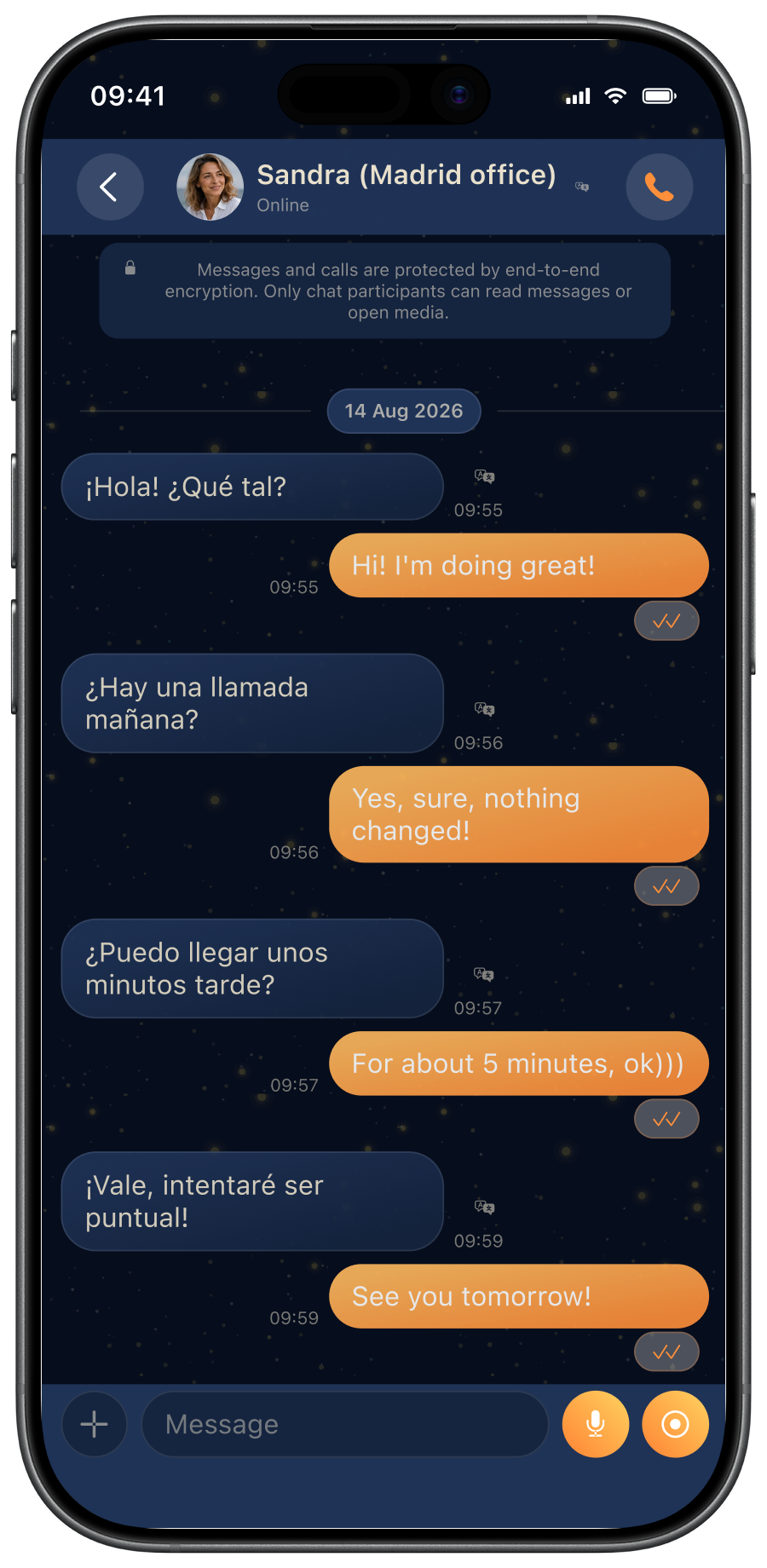
Read new incoming messages in your Mango interface language. Choose the sender’s language for each personal chat or private group. Translation runs on your device.
How to enable it
- Open a personal chat or private group and tap its name in the chat header.
- In the chat details, tap “Auto-translate” and select the language of incoming messages.
- On first use, allow the language pack download if prompted. Wait for a new message from the other person.
- Tap the translation icon beside a message to switch between the original and its translation.
Only new incoming messages received after activation are translated. History and your outgoing messages remain unchanged. The target follows the Mango interface language. Public groups, channels, comments and notes are not supported. To disable it, reopen Auto-translate in the chat details and select Turn off.