
Telegram channels and cross-posting
One channel, two places
One channel, two places
Link a Mango channel to Telegram to send new posts, text edits and deletions in both directions. You can enable each direction separately. The bridge is for channels, not personal chats or groups.
Subscribers see a link to the connected public Telegram channel. Posts from Telegram carry a source label and a link to the original when available. Channels are not end-to-end encrypted.
Connect Telegram in three steps
- Open your Mango channel settings → Telegram integration and get a linking code.
- Add @MangoTGC_bot as a Telegram channel administrator with permission to post, edit and delete messages.
- Publish the code as a separate post in the Telegram channel. The bot will record the code and automatically delete the post from the channel. Once linked, check the status and choose which directions to enable.
Bring over your channel history
Import from the linked public channel without a file, provided Telegram offers a public preview. Choose a date range or recent posts and review the preview.
Alternatively, export the channel as JSON from Telegram Desktop and ZIP the folder with its media. This import is available once, into an empty linked Mango channel, with archives up to 4 GB. Posts keep their original dates and are not sent back to Telegram.
How cross-posting works
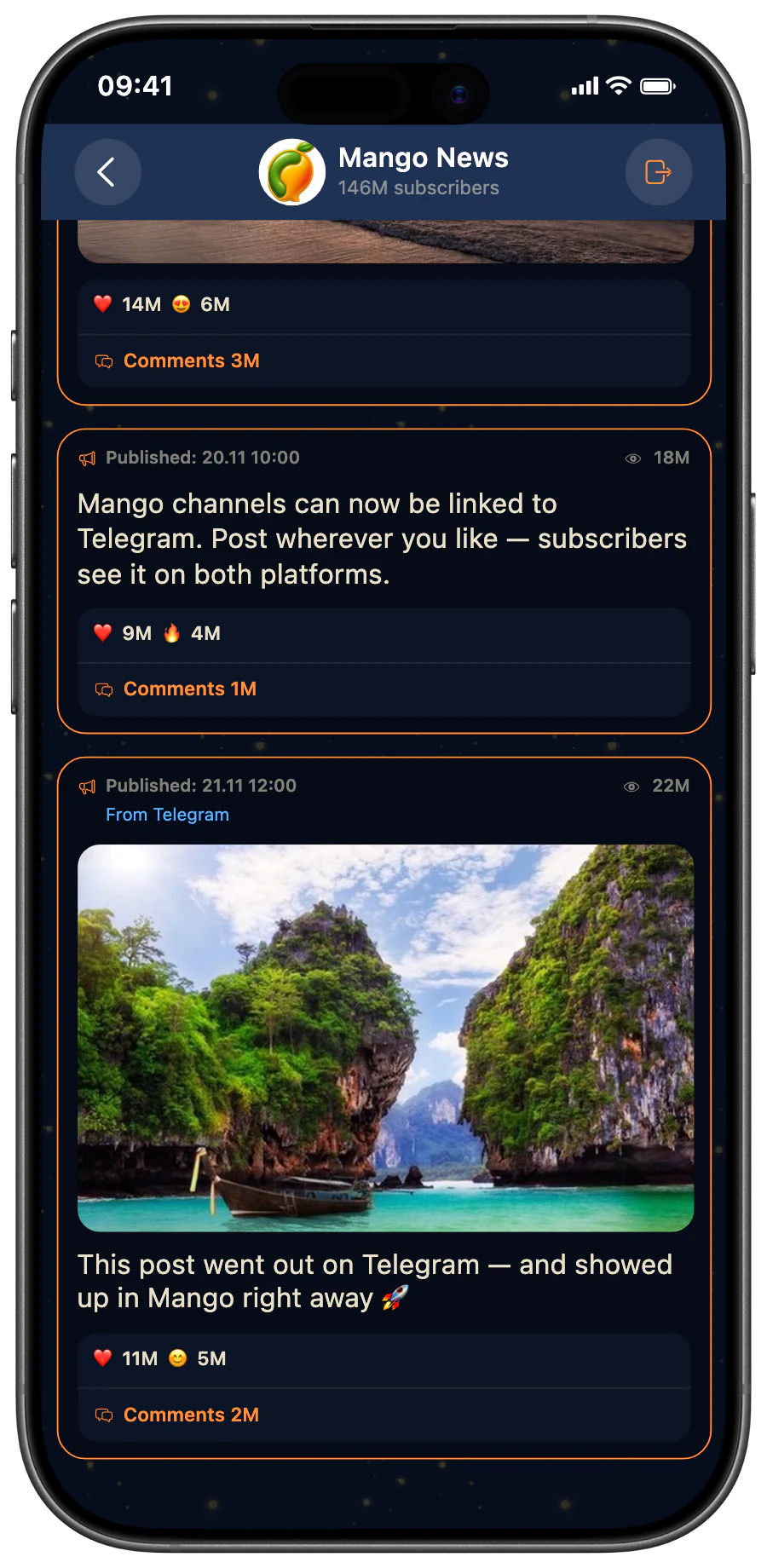
After linking, choose where new posts should travel. Telegram → Mango: publish in Telegram and the post appears in your linked Mango channel. Mango → Telegram: create a post in Mango and it appears in Telegram. Enable both directions to publish wherever suits you.
Text, photos, videos and albums are supported. Scheduled Mango posts go to Telegram when published. A post received through the bridge is not sent back as a new publication, so it does not bounce between the channels.
Edit the text of a linked post and the change travels to the other platform, even if the post started there. Deletions also travel between channels under the conditions below. Imported history is separate from this ongoing sync.
For example, enable both directions, publish a photo with a caption in Mango and check it in Telegram. Write your next post in Telegram and it will appear in Mango. Subscribers can keep their preferred app, and you do not have to publish every post twice.
Integration questions
Do I have to leave Telegram?
No. The bridge lets you keep both channels running. Enable both directions or just one.
Does everything transfer between channels?
Text, photos and videos are supported. Comments, reactions and views do not transfer, and media edits do not sync. Unsupported content or unavailable files leave a note with a Telegram link when available.
Do deletions sync immediately?
Deletions may take time to appear and do not always sync. Sending a deletion from Mango requires the direction to be enabled and the bot to have the necessary permissions. Deletions in Telegram channels with protected content are not detected. Imported history does not sync like new posts.
Can I import into a channel that already has posts?
Yes, from the linked channel’s public preview, including repeat imports: posts already transferred are skipped. A Telegram Desktop ZIP can only be imported once into an empty linked channel.